Built Your Site With AI? Make Sure AI Can Find It
Eight simple checks so Google and AI assistants can read the site your AI builder made, with a ready prompt for each one.
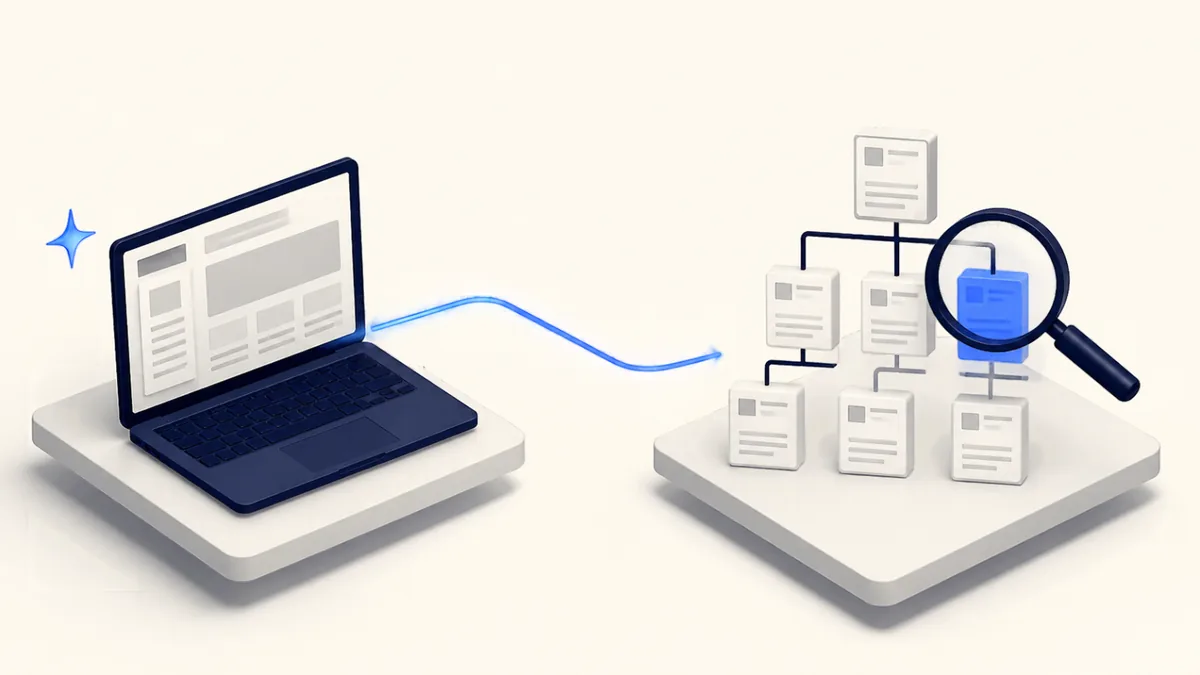
Building a website with an AI tool can take less time. However, making sure Google and AI assistants can actually read it takes a few more steps, and most builders skip them unless you ask.
A page can look perfect in your browser and still arrive nearly blank to a search engine. When that happens, your boutique stay or space never makes the shortlist when a guest asks Google or ChatGPT where to stay.
Here are the eight things to check. Each one comes with a plain explanation and a prompt you can paste straight into your AI builder.
1. Make sure your words load with the page
This is the check that matters most. Many AI builders make sites where the browser fills in the words after the page arrives. You see the finished page, but a crawler that reads only the first delivery sees a nearly empty shell.
Google can usually fill in those words. Most AI assistants cannot. A Vercel study found that none of the major AI crawlers, including the ones behind ChatGPT, Claude, and Perplexity, run the code that fills a page in.
The fix is called prerendering or server rendering: every page is sent with its words already in place. Some builders now do this for you. Lovable says new apps ship with server rendering and older ones get automatic snapshots. Others still need you to ask.
A tool that handles this for you: Hado SEO. If your builder does not prerender your pages, Hado SEO can do it without touching your site's code. It is built for sites made with tools like Lovable, Replit, and Bolt.
How it works:
- You sign up, enter your domain, and paste the web address your builder gave your site.
- You update your domain's DNS records to point to Hado SEO. It is a one time change, made wherever you bought your domain.
- Visitors see your site exactly as before. When Google or an AI crawler arrives, Hado SEO hands it a fully rendered page with every word in place.
- In its settings, you can also add a robots file and a sitemap if your builder does not create them.
When I checked, plans started at $19 a month for one domain.
Check it yourself: open your site on a computer, right click, and choose View Page Source. If you can find your headline and descriptions in that text, you are in good shape. If you mostly see code and very few words, ask your builder to fix it.
Make sure every page is prerendered or server rendered, so the full text, title, and description are in the HTML before any JavaScript runs. Show me the raw HTML for the homepage to confirm.
2. Give every page its own title and description
Your page title is the headline in Google results and the name AI tools use for your page. The description is the short summary under it. Each page needs its own pair, written for a guest.
- Title: under about 60 characters, with your name and what you offer, like "The Willow House | Boutique Stay in Asheville"
- Description: about 150 characters on who you are and why someone should book
- Canonical link: a tag that tells search engines the one true address for each page. When I checked my own site, every page pointed to an old domain, which quietly handed its search credit away.
Give every page a unique title tag under 60 characters, a meta description under 155 characters, and a canonical URL pointing to that page on my main domain. Show me a list of every page with its title and description so I can edit the wording.
3. Tell search engines what kind of business you are
Structured data, often called schema, is a short block of code that labels the facts on your page: your name, type of business, address, and photos. Guests never see it. Search engines and AI tools read it to understand you without guessing.
For accommodations, the label is usually LodgingBusiness or a more specific type like Hotel, BedAndBreakfast, Resort, or VacationRental. Fill in your name, address, phone, check in and check out times, amenities, and booking link. Blog posts get the Article type.
Check it yourself: paste your homepage into Google's Rich Results Test.
Add JSON-LD structured data. Use LodgingBusiness on the homepage, or Hotel or BedAndBreakfast if that fits better, with my business name, address, phone, check in and check out times, amenities, photos, and booking link. Use Article on each blog post. Make sure every value matches what is visible on the page.
4. Welcome the right crawlers in your robots file
Your robots file is a short text file at yoursite.com/robots.txt that tells crawlers what they may read. Some builders, hosts, and security services block AI crawlers by default, so open yours and look.
AI companies run separate crawlers for answering questions and for training their models. The ones that answer questions are what put you in front of guests.
| Company | Puts you in answers | Trains models |
|---|---|---|
| OpenAI (ChatGPT) | OAI-SearchBot, ChatGPT-User | GPTBot |
| Anthropic (Claude) | Claude-SearchBot, Claude-User | ClaudeBot |
| Googlebot | Google-Extended |
The training column is your call. Blocking GPTBot does not remove you from ChatGPT search, according to OpenAI, and Google says Google-Extended does not affect your Google Search ranking.
Create a robots.txt that allows search crawlers, including Googlebot, Bingbot, OAI-SearchBot, ChatGPT-User, Claude-SearchBot, Claude-User, and PerplexityBot, and points to my sitemap. Tell me if anything currently blocks AI crawlers, including settings at my host or firewall.
5. Hand search engines a map
A sitemap is a file, usually at yoursite.com/sitemap.xml, that lists every page you want found and when it last changed. It helps new pages, like a fresh blog post, get found sooner.
The two things to confirm: it updates on its own when you add a page, and every address in it uses your real domain.
Generate a sitemap.xml that lists every public page, including each blog post, with last updated dates, and updates automatically when I add pages. Use my main domain in every URL and reference the sitemap in robots.txt.
6. Control how your links look when shared
Open Graph tags decide what appears when someone shares your link on LinkedIn, Facebook, or in a text: the picture, the title, and a short description. Without them, apps guess. When I added my own site to LinkedIn, it cropped my headshot into a thin strip.
Use a wide image, 1200 by 630 pixels, with your name and one clear message. Give each blog post its own cover image.
Check it yourself: paste your link into LinkedIn's Post Inspector. It shows the preview and refreshes an old one.
Add Open Graph and Twitter card tags to every page: og:title, og:description, og:url, og:type, and og:image at 1200 by 630 pixels. Use a branded share image for main pages and each post's cover image for blog posts.
7. Tell Google and Bing you exist
Search engines find new sites eventually. Two free tools speed that up and show you problems early.
- Google Search Console: verify your site, submit your sitemap, and use URL Inspection to request indexing for new pages. The Pages report shows anything Google could not index, and why.
- Bing Webmaster Tools: do the same for Bing, and import your Google setup in a few clicks. This matters more than it sounds, because ChatGPT search draws largely on Bing's index. Bing also supports IndexNow, which tells search engines the moment you publish.
Add the verification tags for Google Search Console and Bing Webmaster Tools, and set up IndexNow so new or updated pages are submitted automatically when I publish.
8. Write pages people and AI can quote
A perfectly set up site still needs words worth quoting. AI assistants pull short, clear answers, so write the way guests ask.
- One main headline per page, then clear section headings
- What you are, where you are, and who you are for, in the first few lines
- Plain answers to common guest questions, like parking, check in, and what is within walking distance
- A short description on every photo, called alt text, so a crawler knows what the image shows
I wrote more about this in The New Front Desk.
Review every page and make sure each has one H1, clear H2 section headings, descriptive alt text on every image, and an opening paragraph that says what we are, where we are, and who we are for.
Your 15 minute check
Run through these once now, and again any time your builder makes big changes.
| What to check | How to test it |
|---|---|
| Words load with the page | View Page Source and find your headline |
| Titles and descriptions | Search site:yourdomain.com on Google and read the results |
| Canonical links | In the page source, search for "canonical" and confirm it shows your own domain |
| Structured data | Google Rich Results Test |
| Robots file | Open yourdomain.com/robots.txt |
| Sitemap | Open yourdomain.com/sitemap.xml |
| Link previews | LinkedIn Post Inspector |
| Indexing | Google Search Console and Bing Webmaster Tools |
The takeaway
AI builders get you a beautiful site fast. A few setup checks make sure guests can actually find it, whether they search Google or ask an assistant. Check once, fix what is missing, and every page you add after that starts out visible.
Sources
- The rise of the AI crawler, Vercel, December 2024
- Overview of OpenAI crawlers, OpenAI
- Anthropic crawlers, Anthropic
- Google-Extended does not affect Google Search, Search Engine Roundtable, February 2024
- ChatGPT search is powered by Bing's index, Search Engine Roundtable, November 2024
- SEO and AEO, Lovable
- LodgingBusiness, Schema.org
- Hado SEO Replit setup guide, Hado SEO
- Hado SEO product listing and pricing, G2
Want a second set of eyes?
If you would like help running these checks on your own site, book a free chat and we will walk through it together.